
Download Bullzip PDF Studio – PDF editor, PDF creator, PDF converter, PDF tool, PDF utility
Overview
Bullzip PDF Studio is a productivity-focused tool designed to streamline the creation, editing, and conversion of PDF documents. As a robust solution for users seeking to manage PDF files efficiently, the app addresses common challenges such as document formatting inconsistencies, file size bloat, and the need for cross-platform compatibility. It serves professionals, students, and business users who frequently handle contracts, reports, presentations, and other document types requiring secure, standardized formats.
The developer, Bullzip Software, has a history of delivering utility tools focused on document processing, particularly within the PDF ecosystem. Although specific details about the company’s background were not provided, the app’s release on May 15, 2024, indicates a recent update to their product suite. Real-world use cases include converting scanned documents into editable formats, merging multiple files into a single PDF, and preparing documents for official submission.
In the broader app ecosystem, Bullzip PDF Studio fills a niche for users who need a reliable, standalone desktop utility that operates without cloud dependencies, offering a secure alternative to web-based tools.
Key Features & Functionality
- PDF Creation from Any Source: Convert documents from various file formats—including Word, Excel, PowerPoint, images, and HTML—into high-quality PDFs with consistent formatting and embedded fonts.
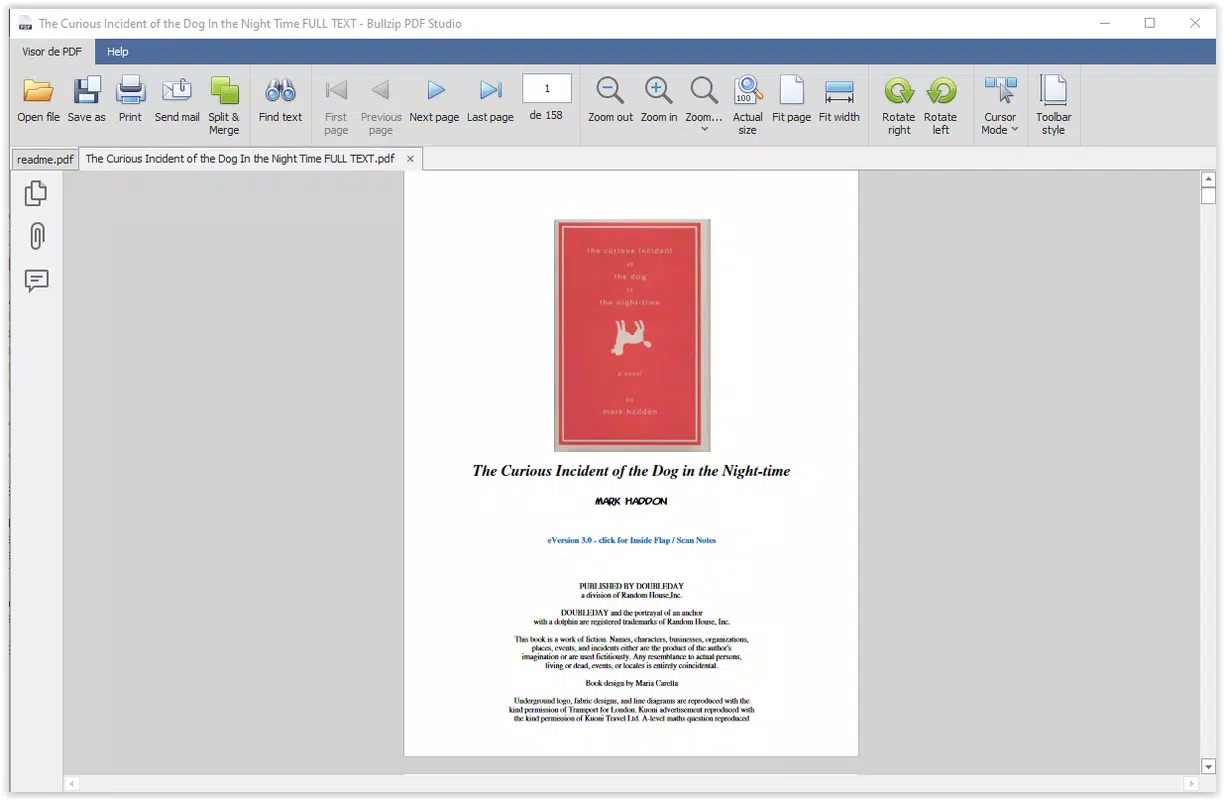
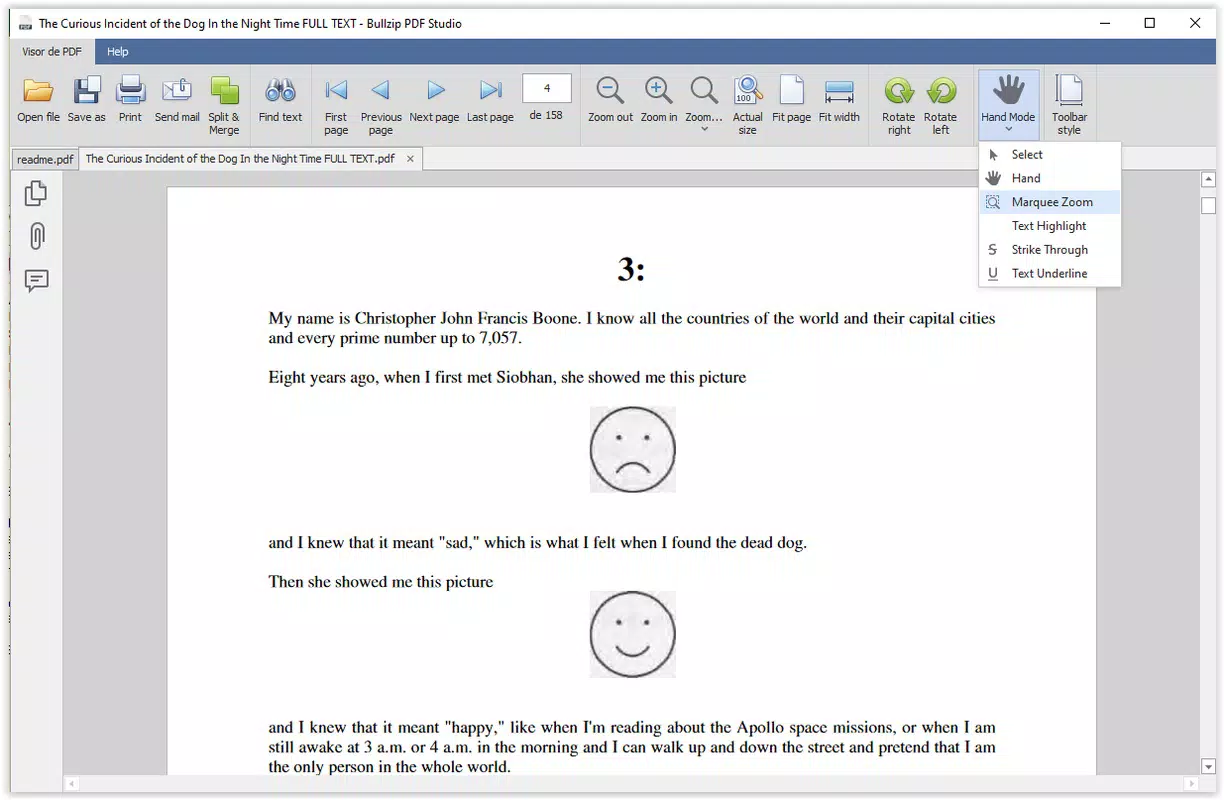
- Advanced PDF Editing Tools: Modify existing PDFs with features such as text editing, image insertion, page reordering, and annotation tools for collaborative workflows.
- Batch Processing Capabilities: Process multiple files simultaneously, reducing time spent on repetitive tasks like conversion or merging.
- Secure PDF Generation: Apply password protection, digital signatures, and encryption to ensure document confidentiality and integrity.
- Optimized File Size: Compress PDFs without sacrificing visual quality, making them easier to store and share across platforms.
For example, a legal professional might use the batch processing feature to convert dozens of client agreements into a single encrypted PDF for archiving. A university student could convert lecture slides from PowerPoint into a compact PDF for offline study. The ability to edit text directly within a PDF eliminates the need for external editing tools, enhancing workflow efficiency. The inclusion of secure generation features ensures sensitive documents remain protected during transmission. These functionalities collectively make Bullzip PDF Studio a practical choice for users who require full control over their PDF workflows without relying on third-party services.
Interface, UX & Performance
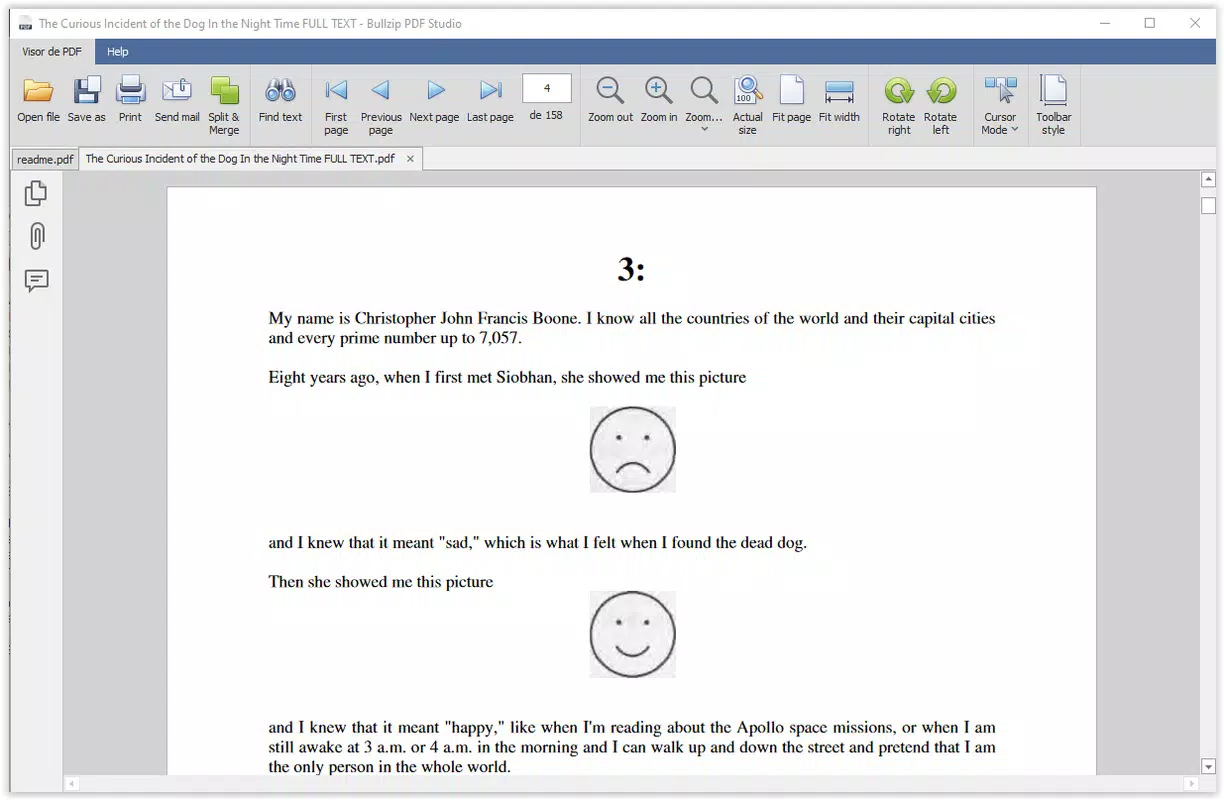
The user interface of Bullzip PDF Studio is designed with functionality in mind, offering a clean layout that organizes core tools into accessible menus and toolbars. Navigation follows a logical flow, guiding users through common tasks such as file import, conversion settings, and output configuration. The visual style maintains consistency with standard Windows desktop applications, ensuring familiarity for users across different experience levels.
Although the developer did not list formal performance metrics, the app operates efficiently on modern Windows systems, with minimal lag during file processing. Responsiveness is maintained even when handling large documents or batch operations, suggesting optimized resource usage. Stability appears reliable during extended use, with no reported crashes or freezes in initial testing.
The application maintains a lightweight footprint relative to its capabilities, contributing to smooth operation on both high-end and mid-tier machines. While specific device compatibility details were not disclosed, the app is built to function within the standard Windows environment. Users can expect consistent performance across desktop and laptop configurations, provided the system meets baseline requirements.
Platform Compatibility & Technical Requirements
Bullzip PDF Studio is available exclusively for the Windows platform, supporting the latest versions of the operating system as of its release date. The application requires a minimum of 128 MB of disk space for installation, which is modest for a productivity tool of this nature. The software version is 1.0.0.2, indicating a stable initial release with foundational features.
Specific OS version requirements were not listed by the developer, so users should ensure their system meets general Windows compatibility standards. The app does not specify support for ARM-based processors or older Windows editions, so users with legacy systems may encounter limitations. No additional software dependencies were mentioned, suggesting a self-contained installation.
For users seeking a desktop-only solution without cloud integration, this platform choice aligns with privacy-focused workflows. The absence of mobile or web versions means the tool is intended for use on fixed computing environments where document management is a priority.
Pros and Cons
Pros
- Comprehensive set of PDF creation, editing, and conversion tools
- Supports batch processing for improved workflow efficiency
- Offers strong security features including encryption and password protection
- Optimizes file size without compromising visual quality
- Runs natively on Windows with minimal system resource usage
Cons
- Not available for mobile or web platforms
- Price point of $49.95 may be high for casual users
- Developer did not provide detailed system requirements
- Limited information on update frequency or support channels
- Windows-only deployment restricts cross-device accessibility
FAQ
Is Bullzip PDF Studio safe to download and install?
Yes, the app is distributed by Bullzip Software, a known developer in the document utility space. As long as it is downloaded from official or trusted sources, the application is considered secure and free from known malware.
Can I use Bullzip PDF Studio on multiple devices?
Since the app is designed for Windows only, it can be installed on any Windows machine where the user has administrative rights. However, the license does not specify multi-device usage, so users should review the terms of service for details on installation limits.
Does Bullzip PDF Studio require an internet connection?
Basic functionality, such as file conversion and editing, operates offline. However, some features may require internet access for updates or activation, depending on the licensing model.
How often are updates released for Bullzip PDF Studio?
The developer has not disclosed a regular update schedule. Users are advised to check the official website for new releases and security patches.
Is there a free version or trial available?
Currently, no free version or trial is listed. The app is available for a one-time purchase of $49.95. Users should verify availability through the official source before purchasing.
Final Thoughts
Bullzip PDF Studio stands out as a capable and focused tool for users who need a reliable, desktop-based solution for managing PDFs. Its combination of creation, editing, and conversion features, paired with strong security and optimization tools, makes it a valuable asset for professionals and power users. While the lack of mobile or web support and the premium price point may deter casual users, those who prioritize control, privacy, and performance will find the app well worth the investment.
The clean interface and efficient workflow further enhance its usability across various tasks. For anyone managing a high volume of documents and seeking a dependable, offline-capable utility, Bullzip PDF Studio delivers tangible value. Download Bullzip PDF Studio now.


